Tech
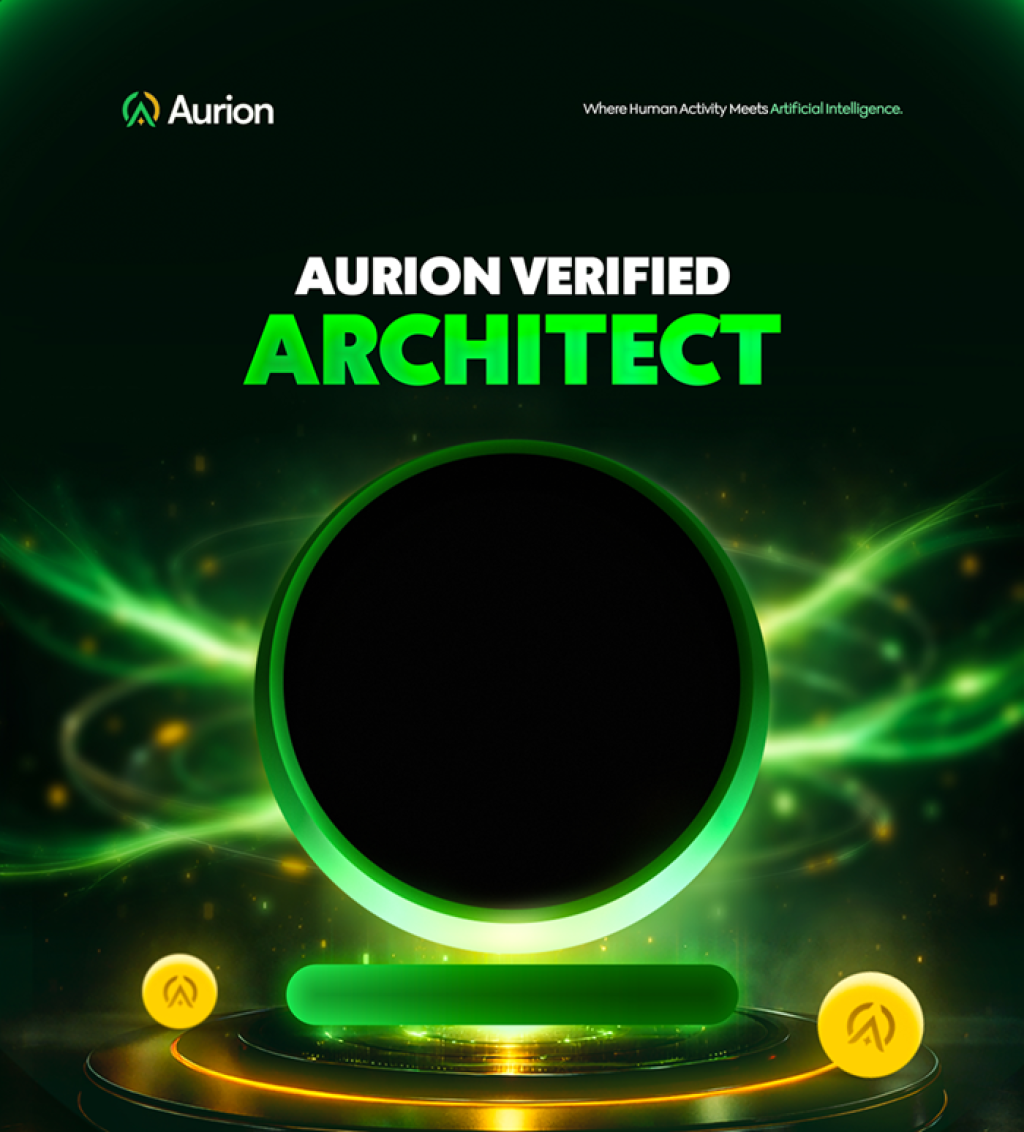

AURION VERIFIED INFLUENCER

DESCRIPTION
View more
Your name
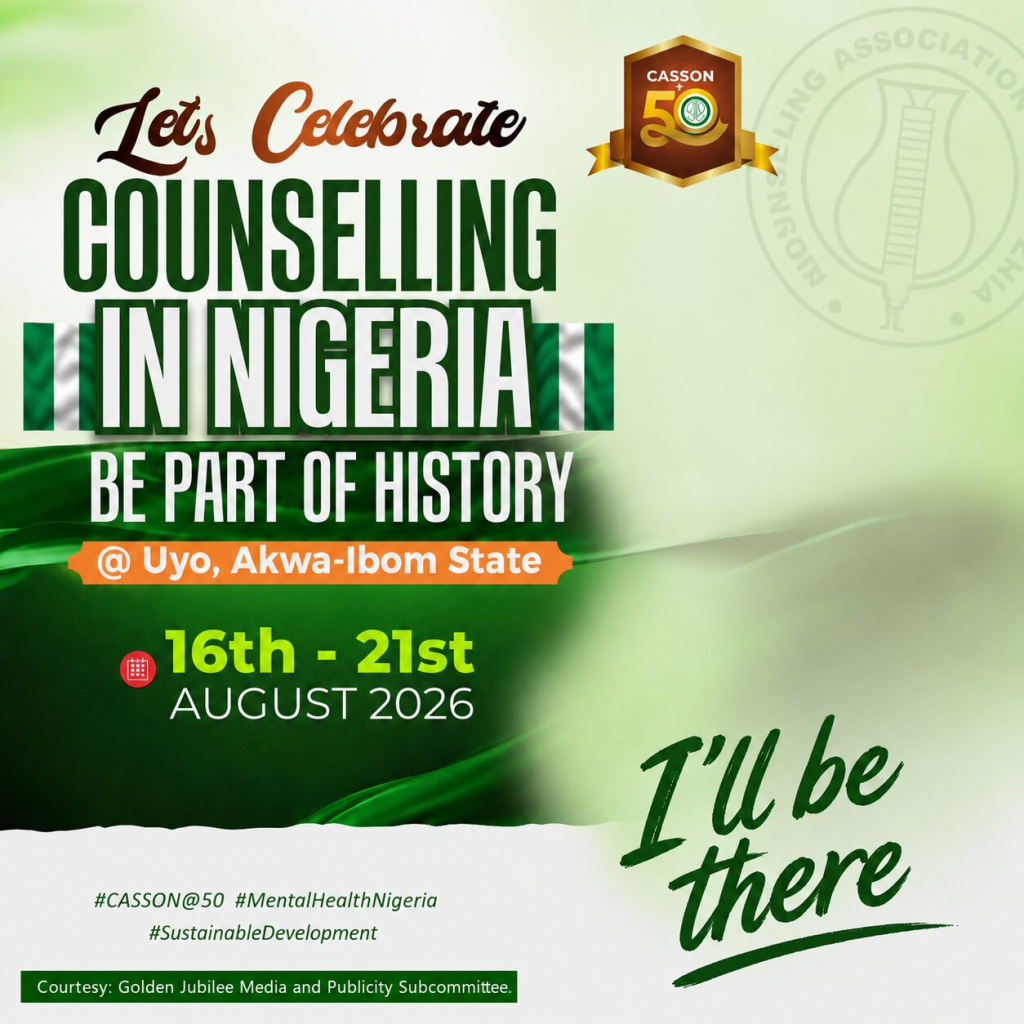
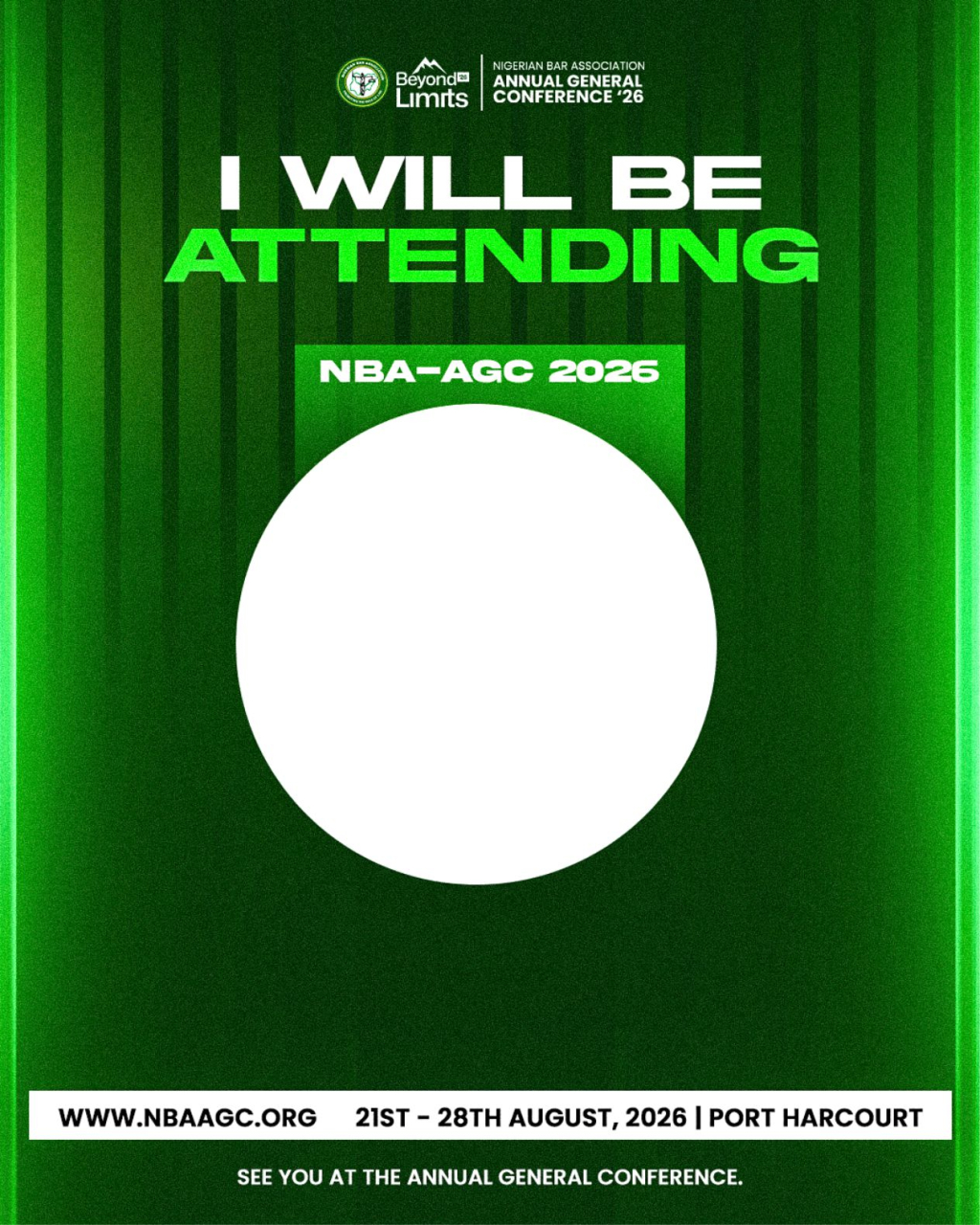
Not sure how to create your personalized DP
To create your personalized DP
1. Tap the avatar to upload your photo (Square photos are recommended to avoid clipping)
2. Enter your name in the text field
3. Once image is uploaded and you are satisfied with the preview, click "Generate my DP"


Comments