
Art & Culture

Mount Up Challenge 2


DESCRIPTION

Be a Digital Evangelist! โšก


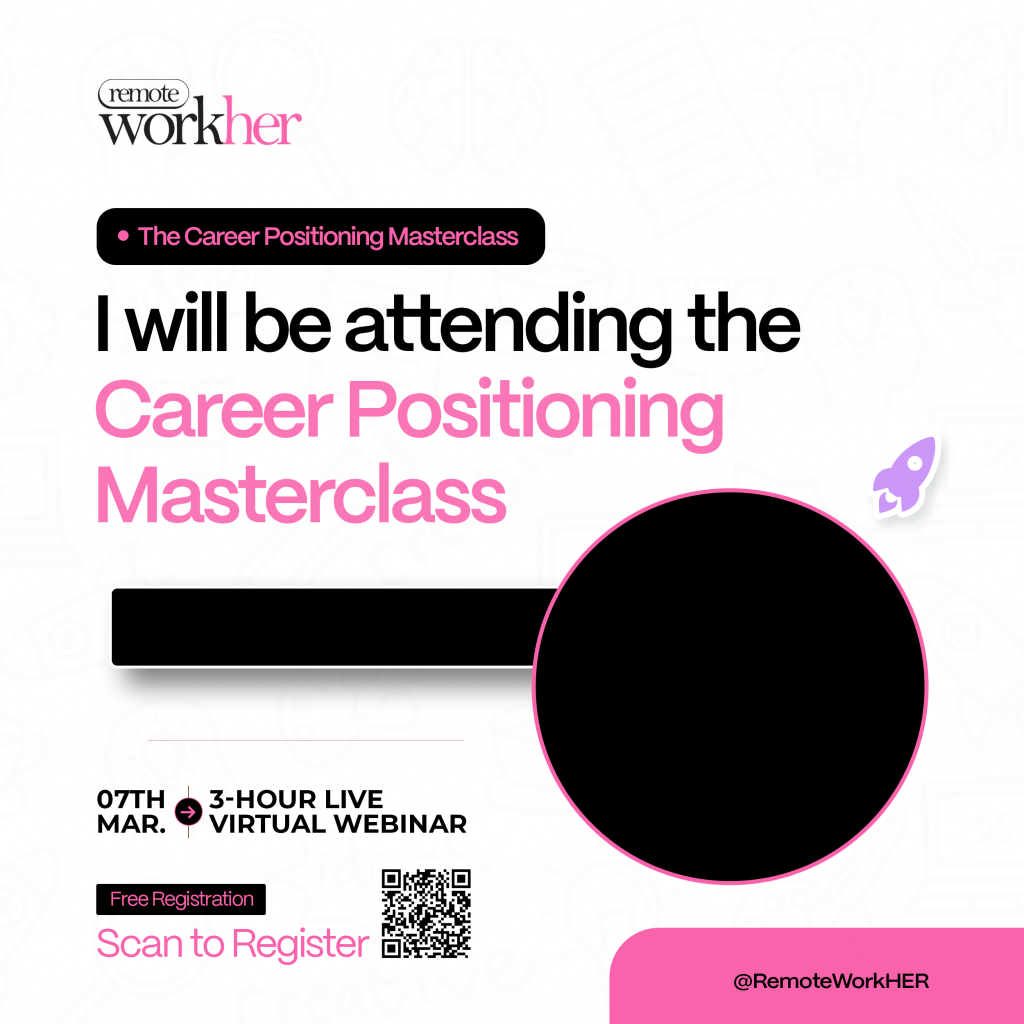
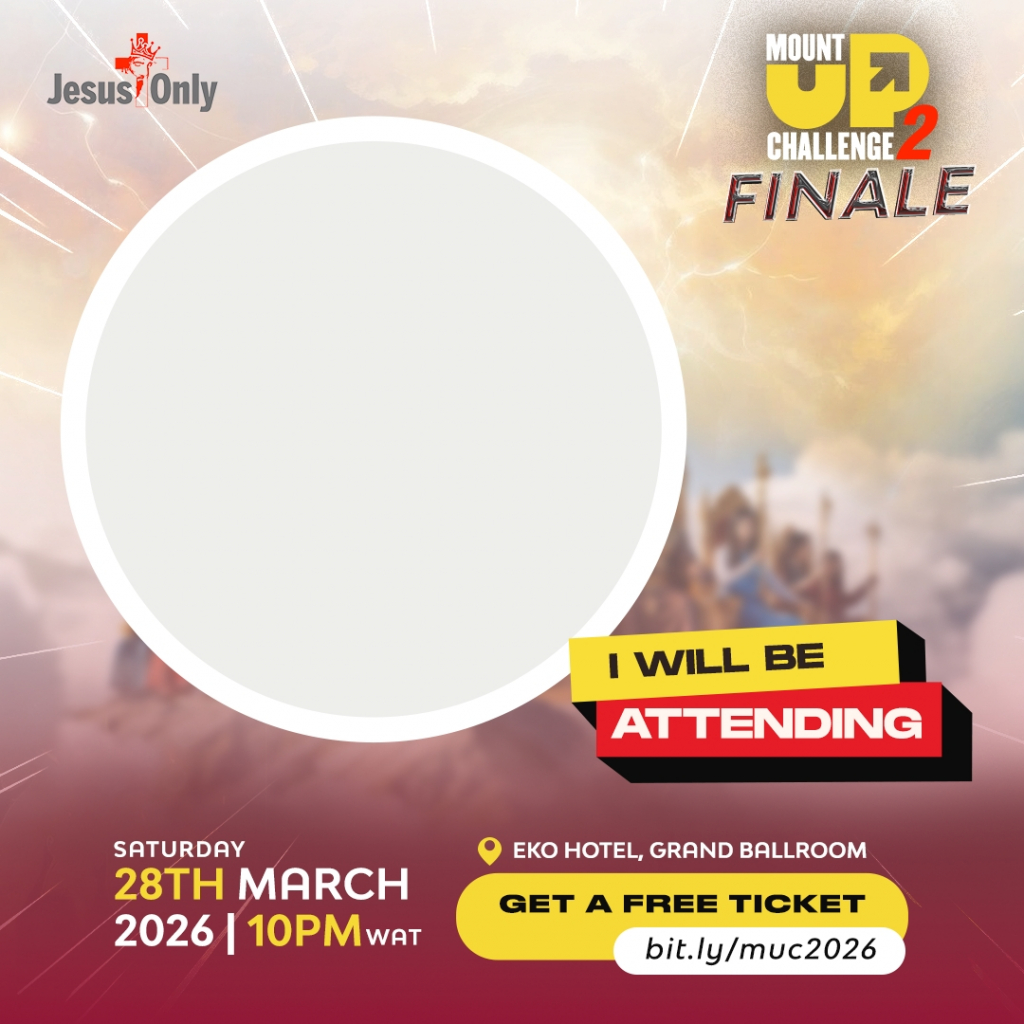
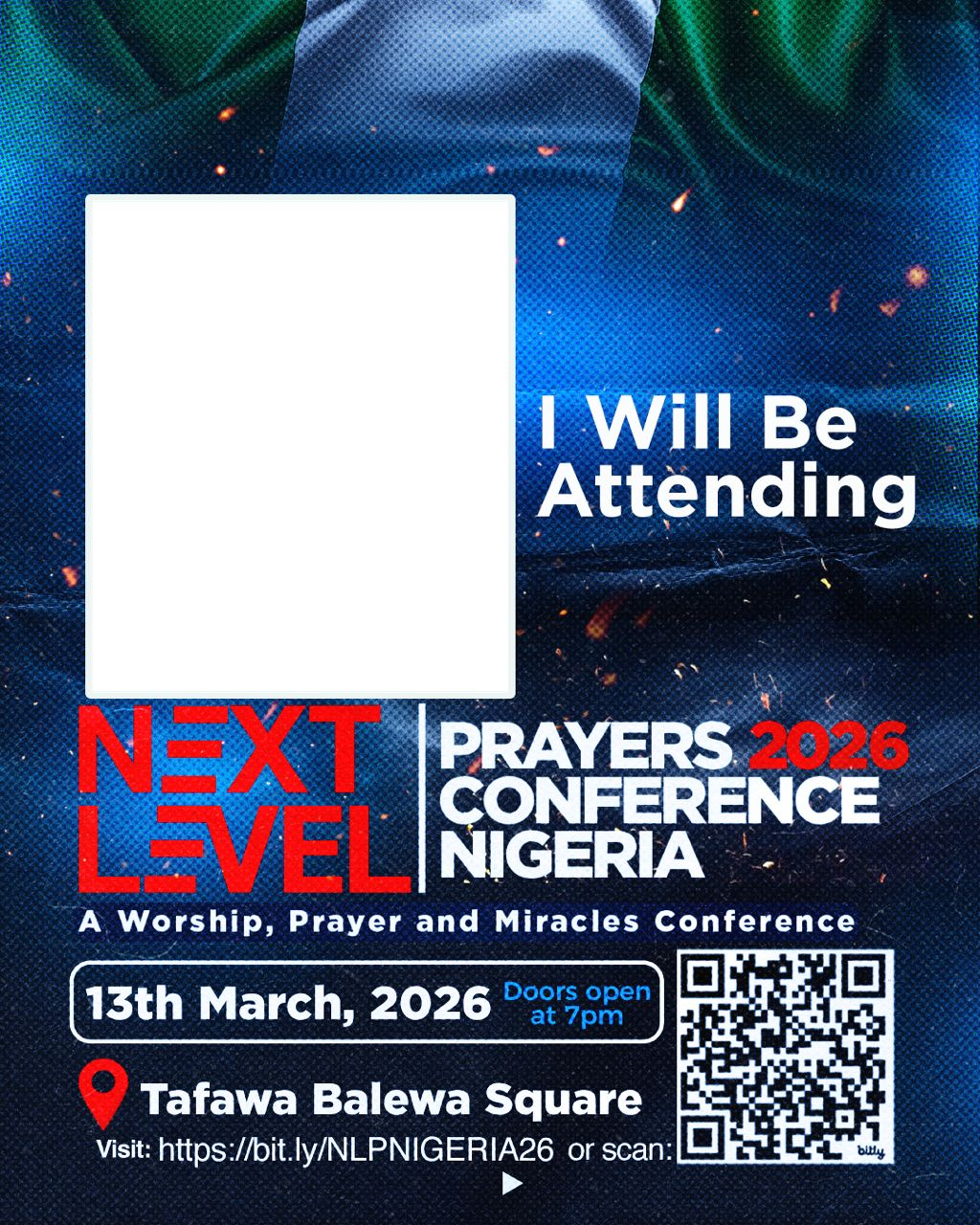
You donโ€™t have to knock on doors to spread the Word. Simply create your personalized banner, share it with your network, and invite your world to the MUC2 Finale!

How to get started:

  1. Create: Upload your photo and name to generate your custom banner.
  2. Save: Download the image to your device.
  3. Share: Post to your Stories or Feed (WhatsApp, IG, FB, X, TikTok) using the catchy caption below!

Letโ€™s flood the digital space and finish strong! ๐Ÿ™Œ
Copy & Paste the caption below ๐Ÿ‘‡

โ€”โ€”โ€”โ€”โ€”โ€”โ€”โ€”
I have a special invitation for you! ๐Ÿ’Œ

For the past 6 months, Iโ€™ve been on a life-changing journey: 180 days of midnight prayers during the Mount Up Challenge (MUC2). Now, itโ€™s time to celebrate the finish line! ๐Ÿšฉ๐Ÿ”ฅ

Join me for the MUC2 Grand Finale: ๐Ÿ“… Sat, March 28th ๐Ÿ“ Eko Hotel, Lagos

This experience has transformed my life, and I want you, your family, and your friends to share in this grace. It's going to be powerful!

๐ŸŽŸ Register for your FREE ticket: bit.ly/muc2026

@jesusonlyonline #MUC2026 #MountUpChallenge #MUC2


Your name
Not sure how to create your personalized DP
To create your personalized DP

1. Tap the avatar to upload your photo (Square photos are recommended to avoid clipping)

2. Enter your name in the text field

3. Once image is uploaded and you are satisfied with the preview, click "Generate my DP"


Comments